Local AI Clusters Using Exo Platform

Cloud APIs are convenient, but they come with per-token costs, rate limits, and the nagging question of where your code actually goes. What if you could run the same frontier-class models (GLM, MiniMax, Kimi, DeepSeek) at full Q6 or even Q8 quality, entirely on hardware you already own?
With DevoxxGenie's refreshed Exo integration, you can. Pool the memory of multiple Apple Silicon Macs into a single inference cluster and run models that would never fit on one machine. No subscription. No token budget. Just electricity.
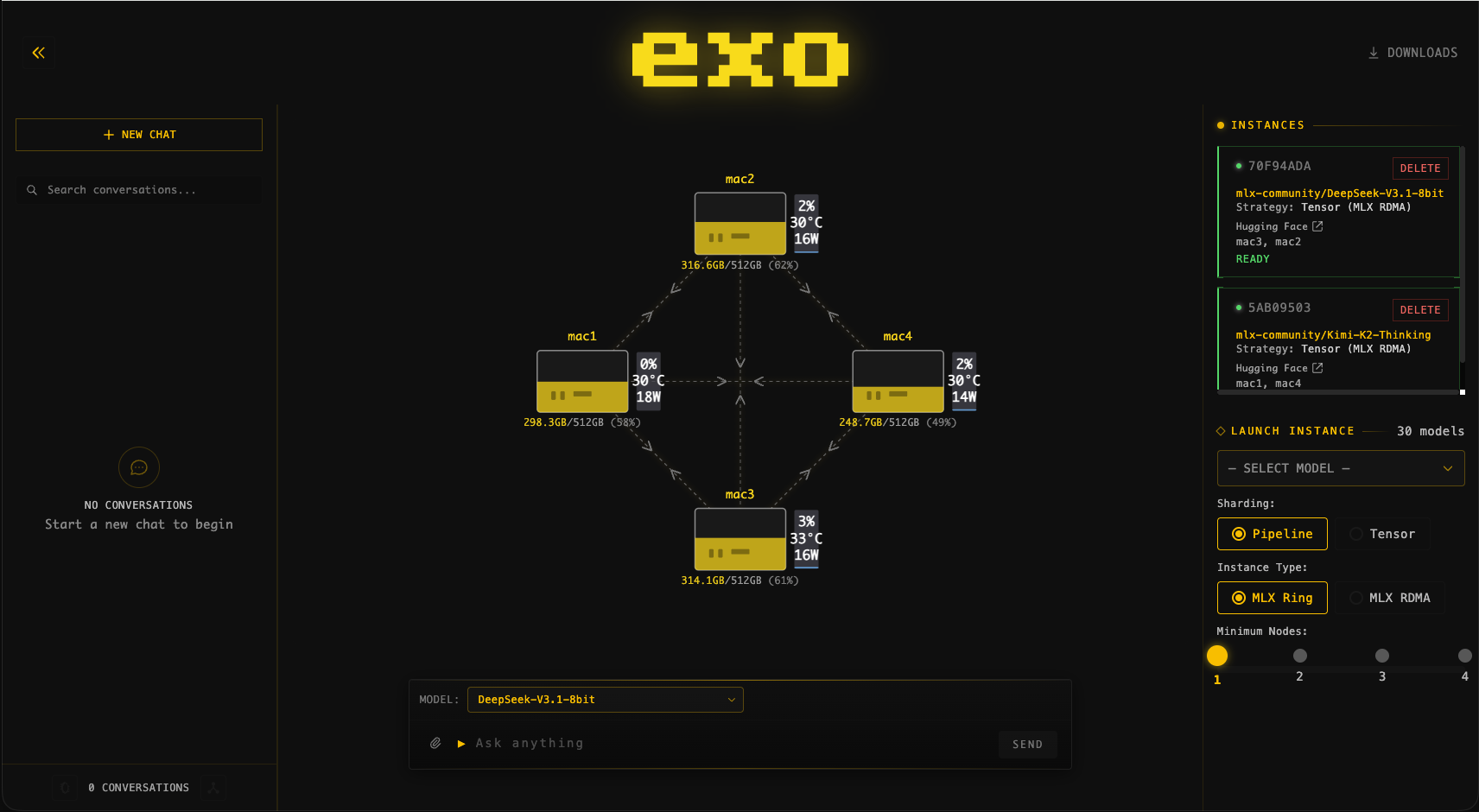
Why Run Local?
Cloud LLM providers charge per token, and those costs add up fast during agentic coding sessions where the model reads, writes, and re-reads files across dozens of tool calls. A single Agent Mode session can easily burn through thousands of input and output tokens.
Running locally flips the economics:
- Zero marginal cost: Once the hardware is on your desk, every token is free.
- Full data privacy: Your source code never leaves your network.
- No rate limits: No throttling, no quota exhaustion mid-session.
- Higher quantisation: Cloud providers typically serve heavily quantised models. With enough cluster RAM you can run Q6 or Q8 variants for noticeably better reasoning and code quality.
Big Models, Small Cluster
A single M4 Max MacBook with 128 GB of unified memory can already run a lot. But the truly large models, the ones that rival cloud APIs in quality, need more. That's where Exo comes in.
Exo automatically discovers nearby Apple Silicon devices and distributes model layers across them using pipeline or tensor parallelism. Connect two Macs with a Thunderbolt cable and you've doubled your available memory.
Example setups:
| Cluster | Combined RAM | What you can run |
|---|---|---|
| 2x Mac Mini M4 Pro (48 GB) | 96 GB | DeepSeek-R1 70B Q6, GLM-4 9B Q8 |
| MacBook Pro M4 Max + Mac Studio M1 Ultra (128 GB each) | 256 GB | MiniMax M2.5 6-bit (173 GB), Kimi-VL |
| 2x Mac Studio M2 Ultra (192 GB each) | 384 GB | Qwen3 Coder 480B Q4, DeepSeek-R1 671B Q3 |
All using the MLX backend, optimised for Apple Silicon.
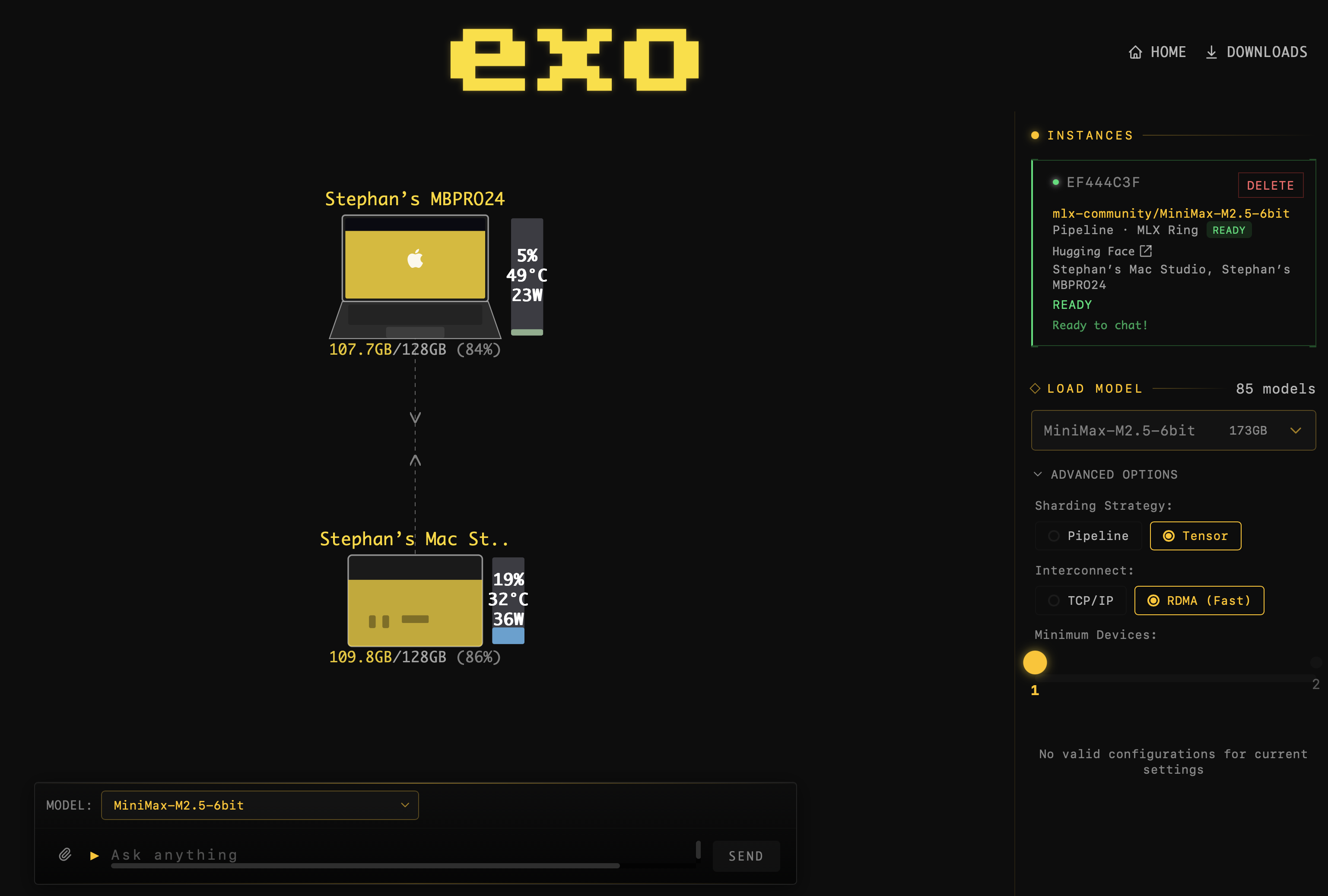 A MiniMax M2.5 instance fully loaded and ready for chat across a two-node cluster.
Getting Started
1. Install Exo on every device
Download the latest DMG and launch it. Exo runs in the background and exposes a web dashboard at http://localhost:52415.
2. Connect your Macs
Plug in a Thunderbolt cable for the fastest interconnect. Exo also works over regular networking, but Thunderbolt gives you significantly lower latency, especially important for tensor parallelism.
3. Download a model
Open the Exo dashboard and pick a model. Start with something modest (Llama 3.3 70B Q4 at ~39 GB) to verify your cluster, then go bigger.
4. Point DevoxxGenie at Exo
In Settings > DevoxxGenie > Large Language Models, enable Exo and set the URL to http://localhost:52415/v1/. Select Exo as your provider in the chat panel, choose your model, and start coding.
DevoxxGenie handles the rest: it previews placements, creates an optimal instance across your cluster, waits for warmup, and notifies you when everything is ready.
 DevoxxGenie shows a progress bar while the model instance loads across your cluster.
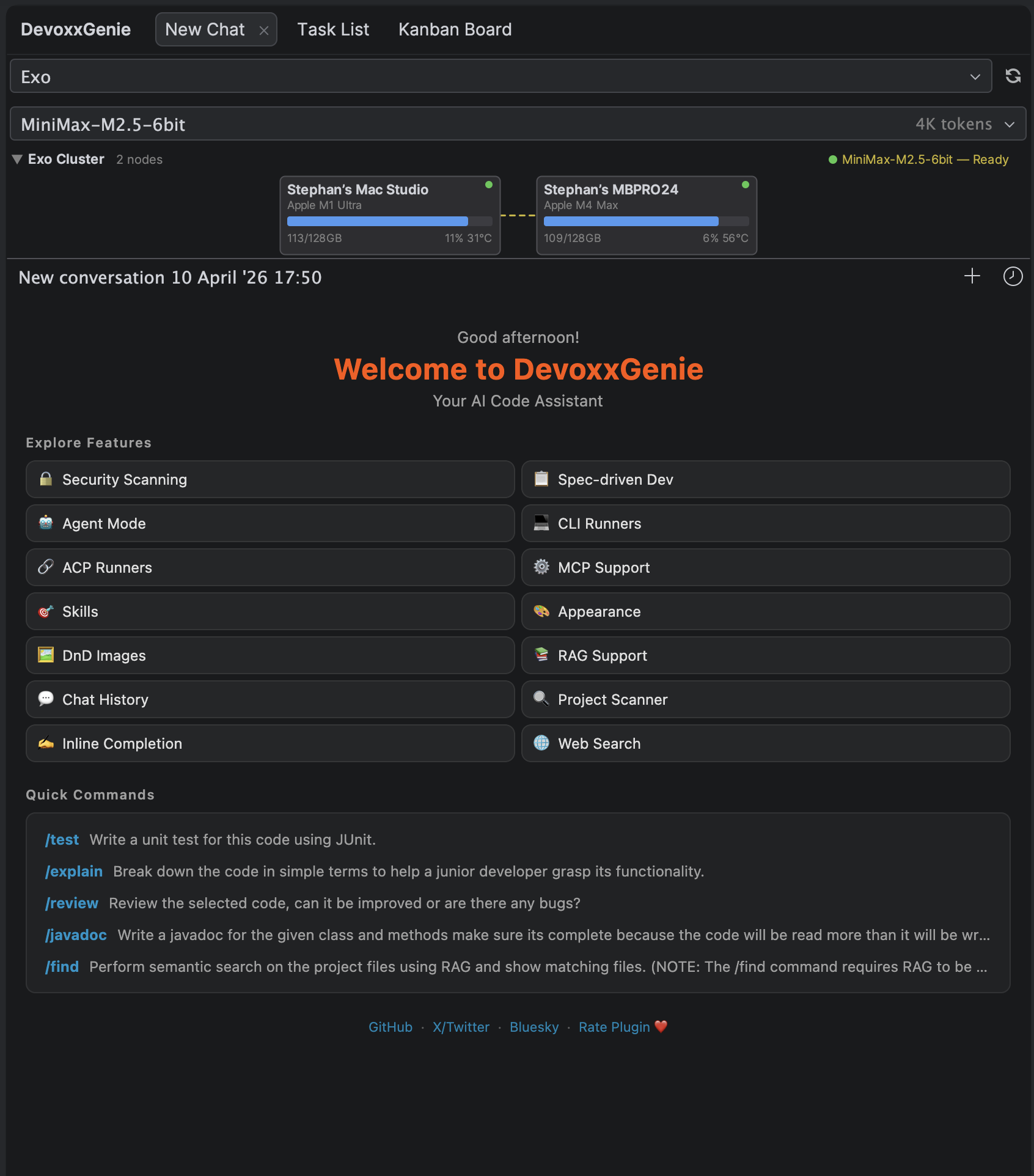 The Exo cluster panel in DevoxxGenie shows connected nodes, memory usage, GPU stats, and the active model instance.
Works with Agent Mode
The best part: Exo models work seamlessly with DevoxxGenie's Agent Mode. The LLM gets full access to built-in tools like file reading, writing, editing, searching, and command execution, all running through your local cluster.
Pair a powerful local model with Agent Mode and you have an autonomous coding assistant that:
- Costs nothing per token
- Keeps your code on your hardware
- Runs as many tool calls as you need without worrying about API bills
The Bottom Line
You don't need a cloud subscription to use frontier-class LLMs for coding. A couple of Apple Silicon Macs, a Thunderbolt cable, and Exo give you a private AI cluster that rivals cloud APIs, at the cost of electricity.
Check out the full Exo documentation for setup details, supported models, sharding strategies, and troubleshooting tips.
Happy (local) coding!